

BLACK FRIDAY | Is the projection effect always unsatisfactory? You might be overlooking these key factors!
2025-11-28
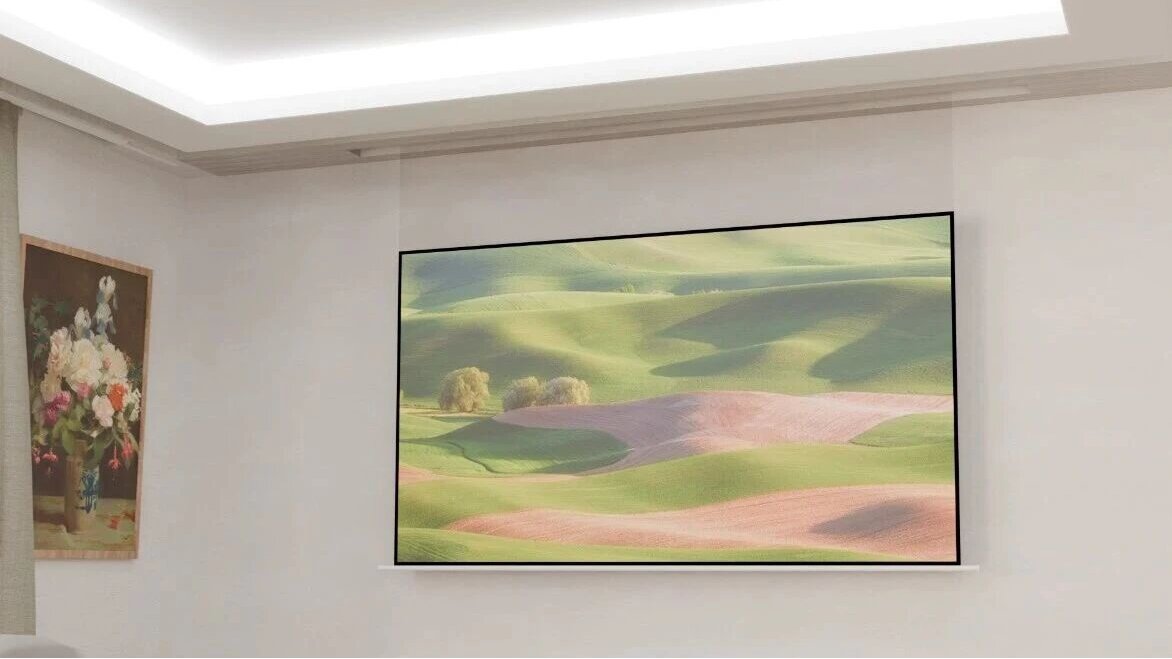
I. Projector: The First Decisive Step for Image Quality
As the core of the projection system, the choice of projector directly determines the foundation of image quality. Three parameters are particularly critical: resolution, brightness, and contrast.
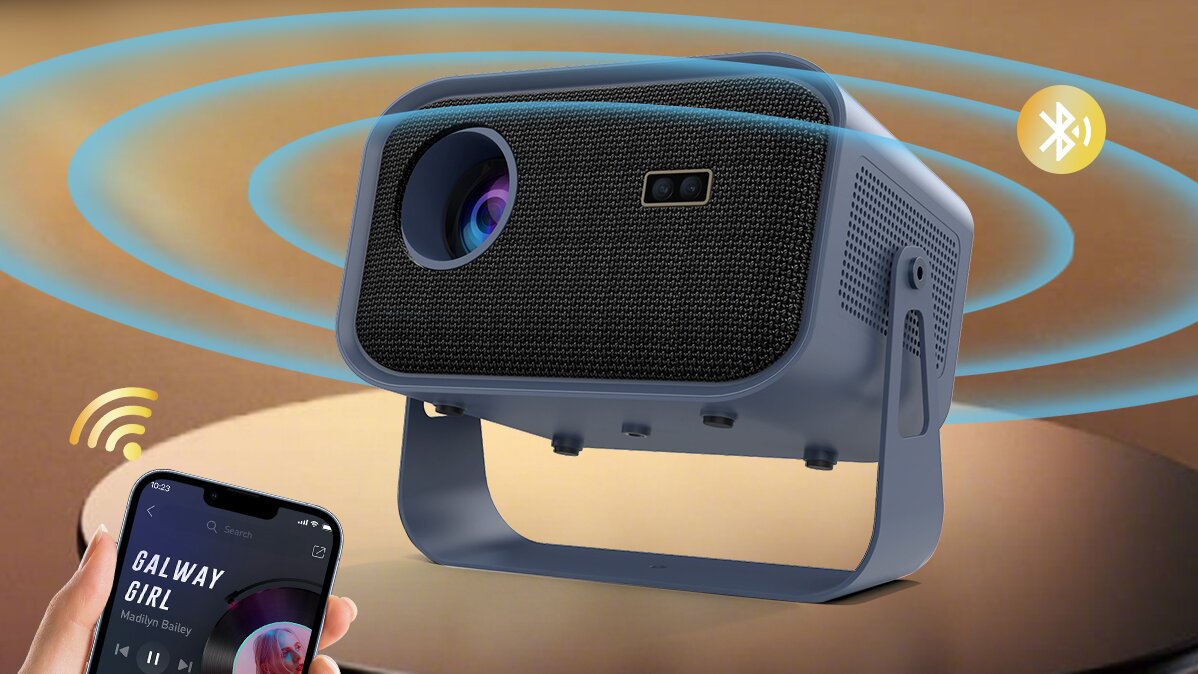
1. Resolution: The Foundation of Image Clarity
Resolution directly determines the level of detail in the image. In today's market, 1080P has become the standard for home projectors, delivering remarkably clear and sharp pictures. If your budget allows, 4K resolution can provide an even more exceptional level of detail. When making a choice, there's no need to overthink it—always opt for the highest resolution within your budget.
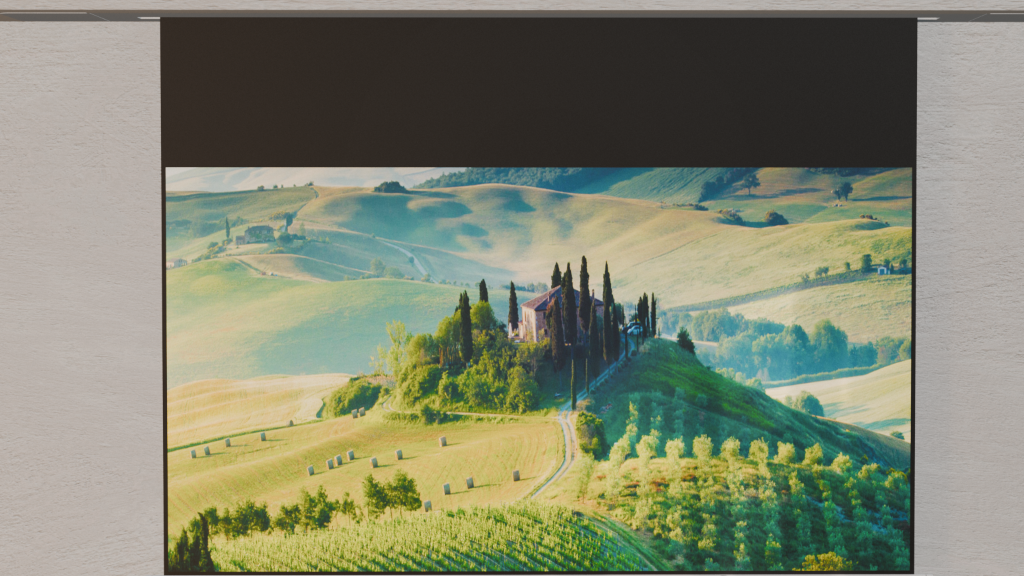
2. Brightness: The Key to Daytime Viewing
The brightness parameter determines how well the projector performs under ambient light interference. It is generally recommended to choose a projector with **2200 ANSI lumens or higher** to maintain a clear picture even in daylight or with room lights on. Projectors with insufficient brightness will appear washed out and dull in moderately lit environments, significantly compromising the viewing experience.
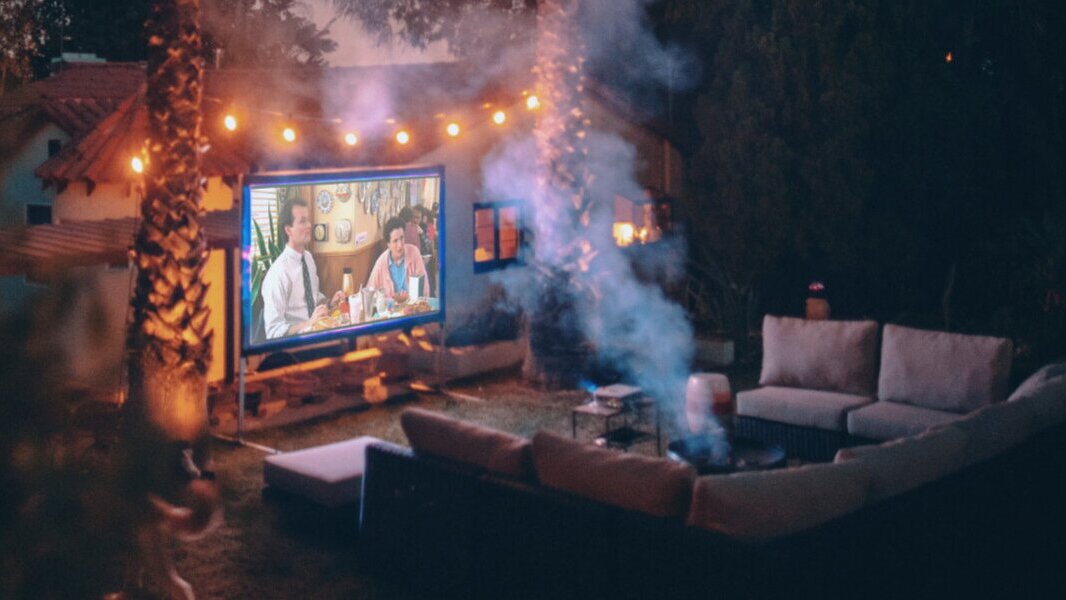
3. Contrast Ratio: Ensuring Color Depth and Detail
The contrast ratio affects color gradation and the sense of depth in the image. A higher contrast ratio results in smoother color transitions, richer details in dark areas, and overall more vibrant colors. A high contrast ratio ensures deeper blacks, preventing the image from looking hazy or washed out.
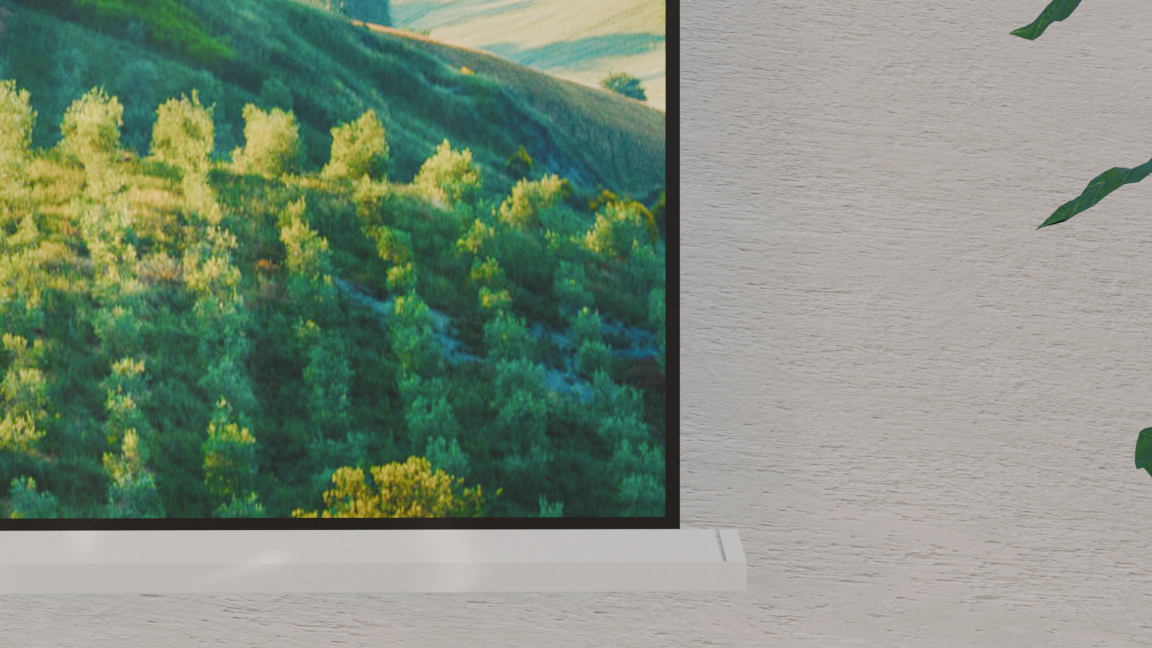
II. Screen: The Indispensable Image Enhancer
Many people overlook the importance of a projection screen, assuming a plain white wall will suffice. In reality, a high-quality screen can significantly improve the visual experience.
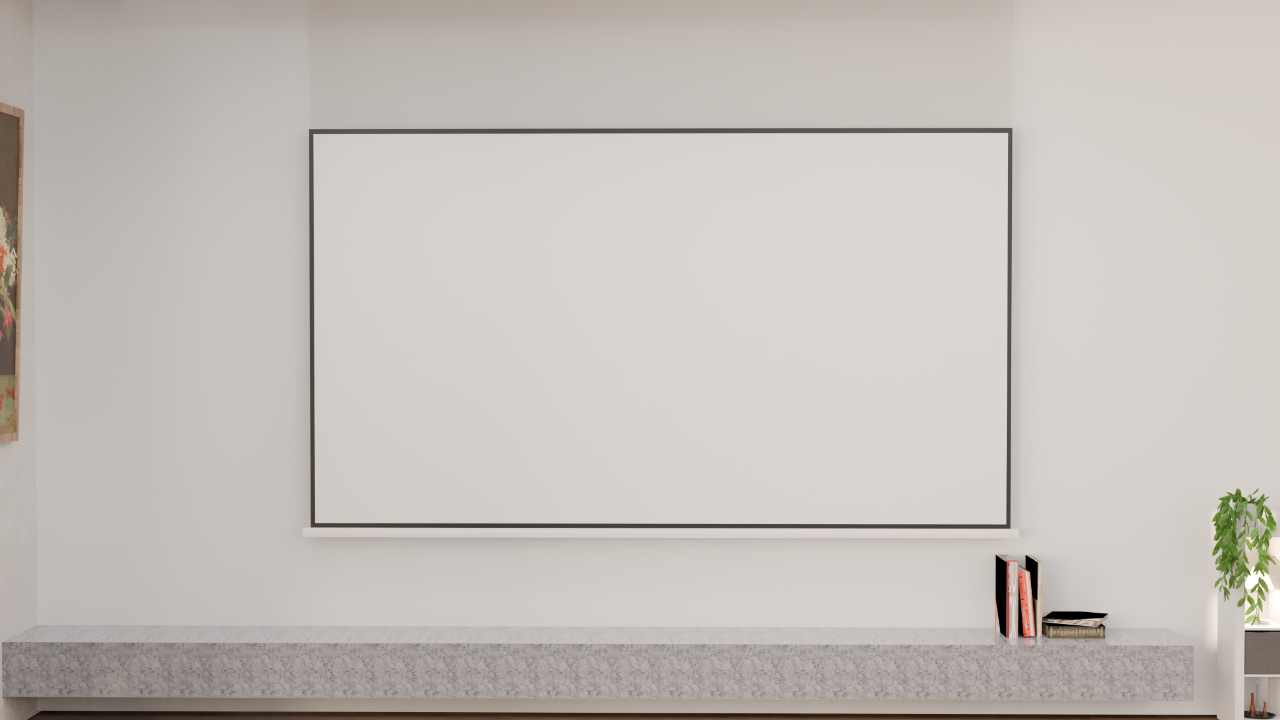
1. Screen Material: Fineness Determines Clarity
The finer the screen material, the clearer the image. When comparing mesh screens, white matte, white fiberglass, and soft white PVC, it becomes evident that mesh screens have a coarse surface. Even when projecting 4K content, noticeable grid patterns can appear on the screen, effectively reducing the image's resolution. Therefore, it is advisable to choose a screen with a fine surface to fully leverage the projector's capabilities.
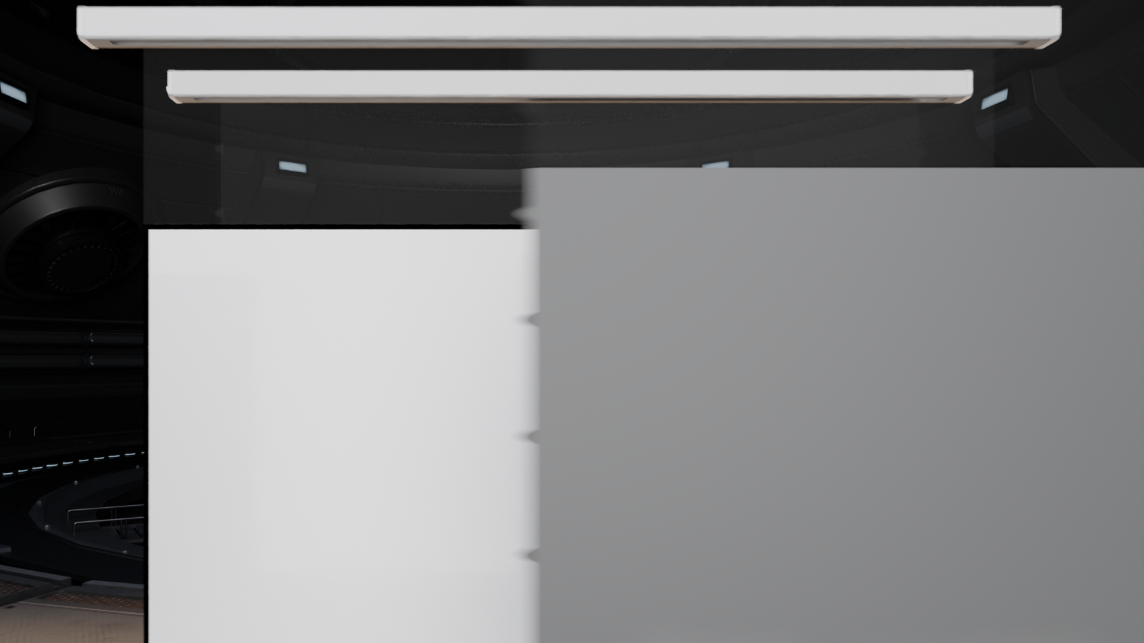
2. Screen Color: Influencing Image Tone
Darker screen colors enhance black level performance. Comparing black crystal and gray crystal screens reveals that black crystal screens significantly improve image contrast, delivering deeper blacks.
When making a choice, personal preference should guide the decision:
- If you prefer a bright and vibrant image, opt for lighter-colored screens like gray crystal or gray fiberglass.
- If you prioritize high contrast and depth, choose darker screens such as black crystal or metal screens.

Additionally, there is a distinction between anti-glare and non-anti-glare screens:
- Anti-glare screens effectively resist ambient light interference, making them ideal for environments like living rooms where complete light control is not possible.
- Non-anti-glare screens, on the other hand, provide superior color performance in fully light-controlled settings.
Beyond the projector and screen, the viewing environment is another critical factor that cannot be overlooked. Whether you're in a living room, a dedicated home theater, or a bedroom, proper environmental setup can significantly enhance the projection results!
Name: Janice
Email: sales11@ihomebox.com
Tel/Whatsapp: +86 19926651189